
Add a checkout button to any website.
One script tag. Create a payment button in the dashboard, copy the snippet, and paste it on your site. Changes you make in the dashboard appear instantly without touching your code.



One tag on any page you can edit.
No package to install, no build step, and no secret key on the page. If you can paste HTML into it, the button works there. The button on the right is the same script tag you would paste on your site: it loads its live settings from the PayBridgeNP API, opens the same checkout your buyers see, and completes a test payment.
Sandbox only, no real money moves
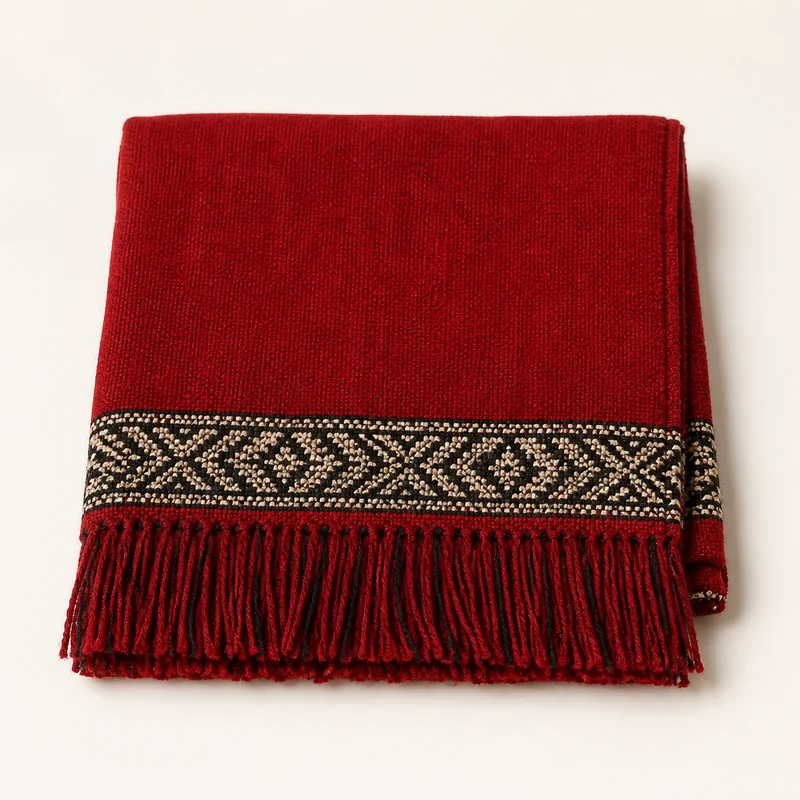
Handwoven Dhaka scarf
Qty 1 · ships from Patan
Made in the dashboard. Pasted once.
The snippet carries only a public button id. Every setting lives in the dashboard, so the label, colour, amount, and fields change everywhere the button is pasted without anyone touching the page.
Want the checkout to open over your page instead of redirecting? That is Embedded mode, one tick on the same button.
Read the docs- 1
Create a button in the dashboard
Open Payment Buttons, click New Button, and set the label, amount, colour, and customer fields.
- 2
Copy one script tag
You get a three-line snippet with just a button ID. Paste it anywhere inside your page's body.
index.html<script src="https://api.paybridgenp.com/js/v1/button.js" data-button-id="btn_xxx" ></script> - 3
Customers pay
The button loads live settings from the API on every page load. Edit the dashboard and it updates everywhere without touching your code.
Your brand, your button.
Pick any colour and the entire button adapts: the accent panel, the modal header, the focus rings. Label, amount, and collect fields are configurable from the dashboard with a live preview before you embed.
- Any hex colour, set from the dashboard
- Accent panel and modal header match automatically
- Light and dark text auto-detected for contrast
The smallest integration, with the whole checkout under it.
A button is the smallest integration we ship. It still gets the whole checkout underneath it.
- 1
Auto-updating config
Change the label, colour, or amount in your dashboard and every embedded button picks up the new settings on the next page load. No re-embedding.
- 2
Custom colours and branding
Pick any hex colour to match your brand. The button, modal header, and focus rings all adapt automatically.
- 3
Collect customer details
Toggle name, email, and phone fields on or off per button. Details flow through to your payment records.
- 4
Fixed or custom amounts
Set a fixed price for products and donations, or let customers type their own amount through the same secure checkout.
- 5
Secure modal checkout
Customers pay through eSewa, Khalti, or Fonepay. Your site never handles payment credentials.
- 6
Per-button analytics
See how many payments each button has collected and the total volume in NPR, right in the dashboard table.
Free to try
Build a button in five minutes
Create a free account and build one in the dashboard, then paste a single script tag. Taking live payments through it needs the Growth plan and your own provider account.