
Khalti runs a full sandbox, so you can build and test a Khalti checkout before you have a live merchant account. These are the test values Khalti publishes, where to get sandbox keys, and the handful of things that make test payments fail for reasons that have nothing to do with your code.
Last verified: 25 October 2026, against Khalti's getting started and ePayment docs, and the Khalti sandbox PayBridgeNP test mode runs against. If Khalti changes a value, its docs are the ones to trust.
Khalti test login (for paying in the sandbox)
Use these on Khalti's test payment page, the one your checkout sends the customer to:
| Field | Value |
|---|---|
| Khalti ID (mobile number) | 9800000000, 9800000001, 9800000002, 9800000003, 9800000004 or 9800000005 |
| MPIN | 1111 |
| OTP | 987654 |
Start with any of the six; we use 9800000005. The accounts are shared with everyone using the sandbox, so one can run low or be busy. If a test payment says "insufficient balance" or "similar request already being processed", switch to another test ID before you touch your code.
Getting Khalti sandbox keys (for your server)
The test login above is for paying. To start a payment your server needs a secret key from a sandbox merchant account:
- Sign up as a merchant at test-admin.khalti.com.
- When the sandbox asks for a login OTP, use
987654. - Copy your keys from the sandbox merchant dashboard.
One label is easy to misread: Khalti's sandbox dashboard calls its keys live secret key and live public key, even though they only work in the sandbox. Khalti's docs say so directly. Use that "live secret key" from test-admin with the sandbox URL below. Your real live keys come later from admin.khalti.com once your merchant account is approved.
| Sandbox | Live | |
|---|---|---|
| Merchant dashboard | test-admin.khalti.com | admin.khalti.com |
| API base | https://dev.khalti.com/api/v2/ | https://khalti.com/api/v2/ |
| Start a payment | POST epayment/initiate/ | POST epayment/initiate/ |
| Confirm a payment | POST epayment/lookup/ | POST epayment/lookup/ |
| Payment page the customer sees | test-pay.khalti.com | pay.khalti.com |
| Authorisation header | Key <sandbox secret key> | Key <live secret key> |
The header is the word Key, a space, then the secret key. Not Bearer.
Running a Khalti test payment
- From your server, call the sandbox initiate endpoint with an amount in paisa. Khalti's docs give Rs 10 (
1000paisa) as the minimum, so test with1000or more. - Send the customer to the
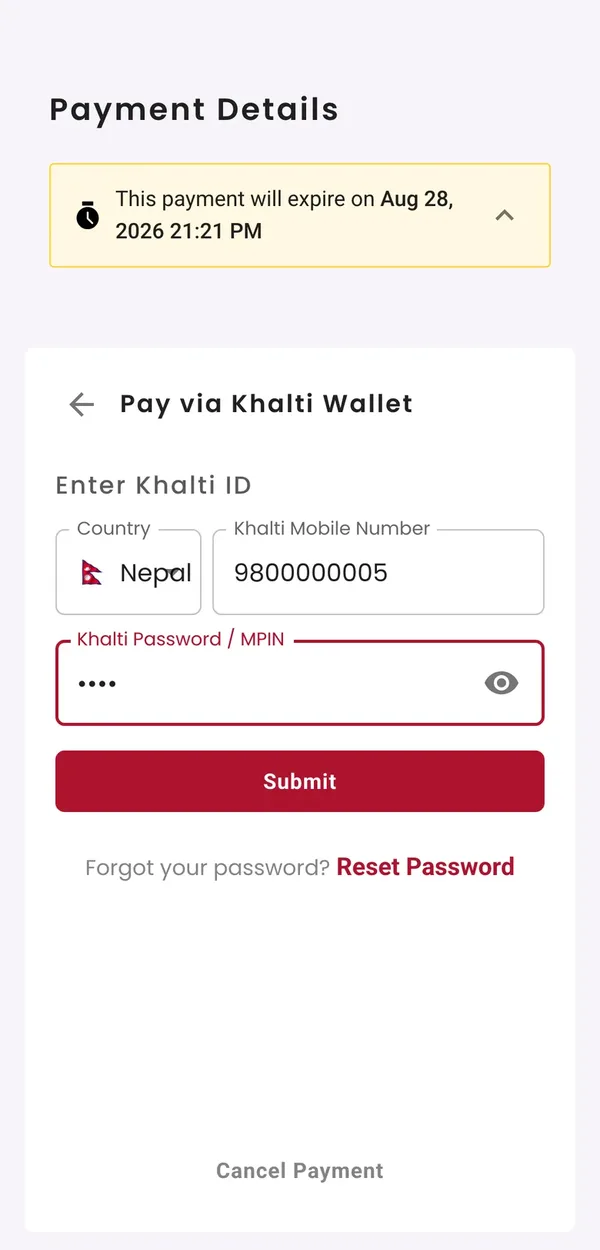
payment_urlthat comes back. It opens Khalti's test payment page. - On Khalti's test page, choose Khalti Wallet. Enter a test Khalti ID as the mobile number and
1111in the Khalti Password / MPIN field, then987654when it asks for the OTP.
1111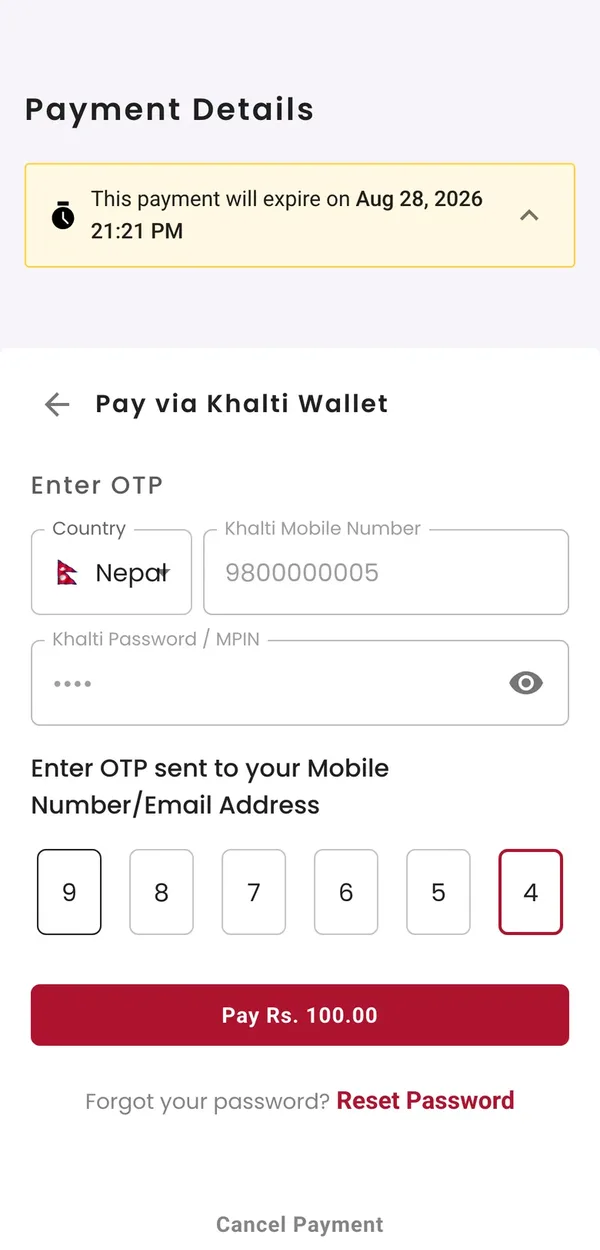
987654, then Pay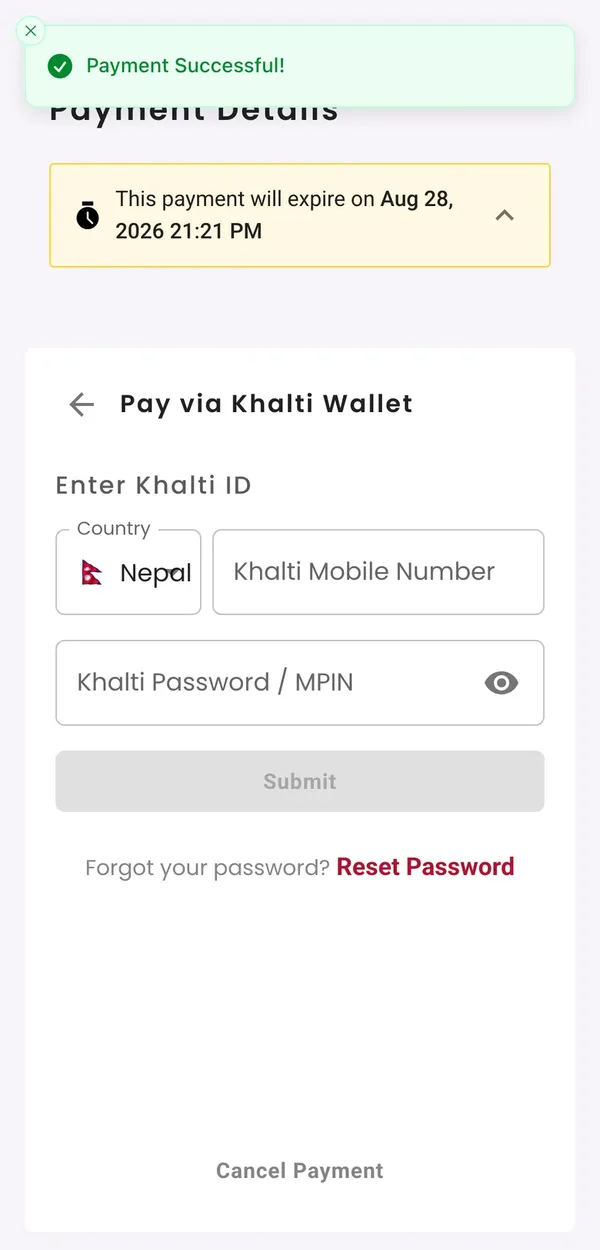
- Khalti sends the customer back to your
return_urlwith thepidxand a status. - Confirm the payment with the sandbox lookup endpoint before you mark the order paid. Only
Completedcounts, and the amount should match what you asked for.
Then try the unhappy paths so you have seen them before a customer does: cancel on Khalti's page (User canceled), and look up a pidx you never paid (Initiated, then Expired once the link runs out). The fields and every status are explained in the Khalti API integration guide.
Why Khalti test payments fail
- The shared test wallet is empty or busy. Switch to another of the six test IDs.
- Mixing sandbox and live. Sandbox keys against
khalti.com, or live keys againstdev.khalti.com, are rejected. Change the key and the base URL together. - The wrong header.
Authorization: Key <secret>, notBearer, and the secret key, not the public key. - An amount in rupees.
100means Rs 1 to Khalti, which is under the minimum. Send10000for Rs 100. - A blank
website_url. Khalti rejects the initiate call if it is empty, even for payment links and invoices that have no page of their own. Send your site's address. - Paying by bank or card in the sandbox. Khalti's docs say e-banking and debit or credit card payments are not supported in the test environment. Test with the Khalti wallet.
- The sandbox itself is slow. It happens. If the test page will not load, wait and try again before changing code. For live problems, our Khalti status page shows whether Khalti is responding.
Testing Khalti without any Khalti keys
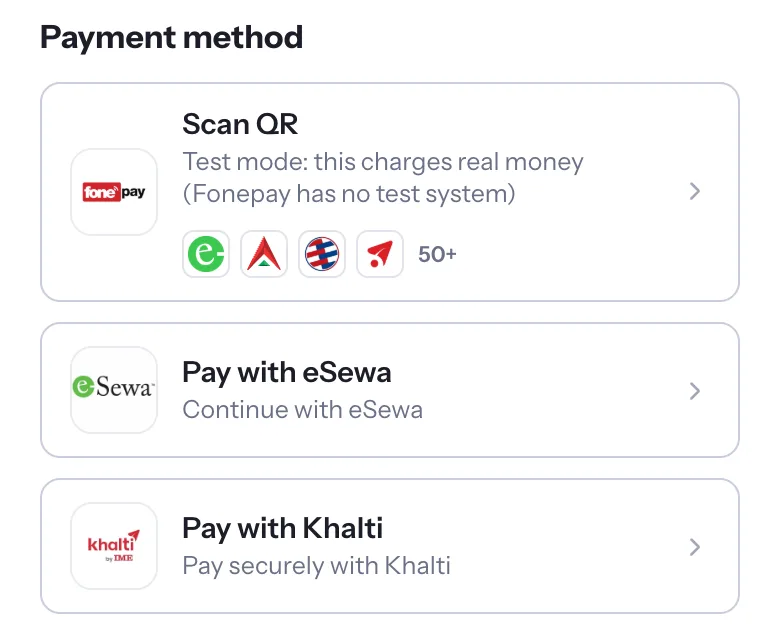
In PayBridgeNP test mode you can test Khalti before you have any Khalti account. A test API key (sk_test_) uses sandbox credentials we manage for you: create a test checkout, choose Khalti, and pay on Khalti's test page with a test ID from the table above. eSewa works the same way, and its test logins are in eSewa test credentials. When you go live, you add your own Khalti merchant keys and payments settle straight into your Khalti merchant account.
Next Steps
- Build it yourself: the Khalti API integration guide.
- Need the live account? Read how to get a Khalti merchant account.
- Testing eSewa too? See eSewa test credentials.
- Get free test keys in the PayBridgeNP dashboard.